30-second hold · Flick test · Verdict per stick
Stick drift test. 30 seconds, hands off.
Stick Drift Test
No controller detectedConnect a controller to start
- Plug the controller in by USB, or pair it over Bluetooth in your system settings.
- Keep this tab in front. Browsers only read a controller from the active tab.
- Press any button once. The browser does not see a controller until you do.
Works in Chrome, Edge, Firefox and Safari on desktop. On a phone, use a Bluetooth controller with Chrome for Android.
This browser does not expose the W3C Gamepad API, so the test cannot run here. Try Chrome, Edge or Firefox.
Step 1 of 2
Zoomed centre view: the circle edge is 0.30. Dashed boxes mark the light drift and drift limits.
Limits are JoyCheck working limits per controller family, not a manufacturer specification. Your last result is kept in this browser only, so a re-test can be compared.
Input Analysis Console
Set up for drift testing: the axis monitor is first. Rest the sticks, hands off, and read the at-rest value.
Axis monitor
Trigger test
Vibration test
Device info
- Name
- —
- Vendor ID
- —
- Product ID
- —
- Type
- —
- Mapping
- —
- Buttons · Axes
- —
Browser support
- ChromeSupported
- EdgeSupported
- FirefoxSupported
- SafariLimited
Advanced diagnostics
Buttons
Controller diagram
Deadzone & response curve
Latency tester
Event log
Input heatmap
Keyboard
Keyboard fallback active. WASD/Arrows for sticks, 1-4 face buttons, Q/E bumpers, Z/C triggers.
Sends only: your controller model name, the resting X and Y offset of each stick, your browser family (for example Chrome or Firefox), and the time. No IP address, no cookies, no account. See the index.
Leave your controller alone for 30 seconds, flick each stick, and get a verdict for each one against the limits for your PS5, Xbox or Switch pad. The full live tester sits below it. No install, no account, and your input never leaves the browser.
- browser-side
- no install
- W3C Gamepad API
Works best on desktop. Plug a controller in there.
HOW IT WORKS
How do you test for stick drift in 30 seconds?
Hold for 30 seconds
Set the pad flat, press Start and take your hands off. Both sticks are read on every frame. The first 2 seconds are skipped so a stick you just let go of can settle.
Flick and let go
Push each stick to the edge and let it spring back, 3 times or more. The test reads where it stops 350 ms later. Some sticks only drift after they move.
Read the verdict, re-test after a fix
Each stick gets No drift, Light drift or Drift against the limits for your controller. After a fix, run it again: your last result from this browser shows next to the new one.
READING THE NUMBERS
What does the drift test measure?
Every number is read on the -1.0 to +1.0 scale the W3C Gamepad API uses, with 0.00 as the centre. A small flicker is normal. These four readings decide the verdict for each stick.
Resting offset
How far each stick sits from 0.00 with your hands off, read as the 95th percentile of the larger axis. Light drift starts at 0.08 on a DualSense and 0.10 on an Xbox pad.
Settle after a flick
Where the stick stops after it springs back. A worn stick can read clean at rest and still stop off-centre after you aim or run.
Steady or growing
The first 5 seconds of the hold against the last 5. An offset that grows during the test, or from one test to the next, points to wear rather than a calibration error.
One stick or both
Each stick gets its own verdict. Drift usually starts on one stick, so a clean right stick does not clear the left.
The stick drift test above leaves your controller alone for 30 seconds, then tells you, stick by stick, whether it drifts. It reads the W3C Gamepad API, the browser standard for controllers, compares each stick with the limits for your type of controller, and sends nothing to a server.
Drift · 30-second hold · Flick test · 7 min read
Drift is an analog stick that reports movement while nobody is touching it. A single glance at a tester can miss it, because light drift comes and goes and some sticks only drift after they move. So this test does what a careful repair tech would do: a long hands-off hold, then a flick test, then a verdict with the numbers behind it.
The W3C Gamepad API reports each stick axis as a number from -1.0 to +1.0, with 0.0 as the centre [1]. A browser reads those values before any console or game applies its own deadzone, which is why a browser test can show light drift that a game hides.
Source: W3C Gamepad API specification
Updated on 2026-11-17 by Taimoor Bamazai, founder of Elites Algorithm (Dublin, Ireland and Pakistan) and the builder behind JoyCheck.
Stick drift, in five lines
- Drift is a stick that reads away from the centre while your hands are off it.
- The test holds for 30 seconds, because light drift often shows up only after the stick settles.
- A flick test catches sticks that read clean at rest but stop off-centre after they move.
- Limits differ by controller: in our testing, Xbox pads rest noisier than Joy-Cons, so their limit is wider.
- Cleaning and recalibrating can mask light drift; worn sticks need a new module.
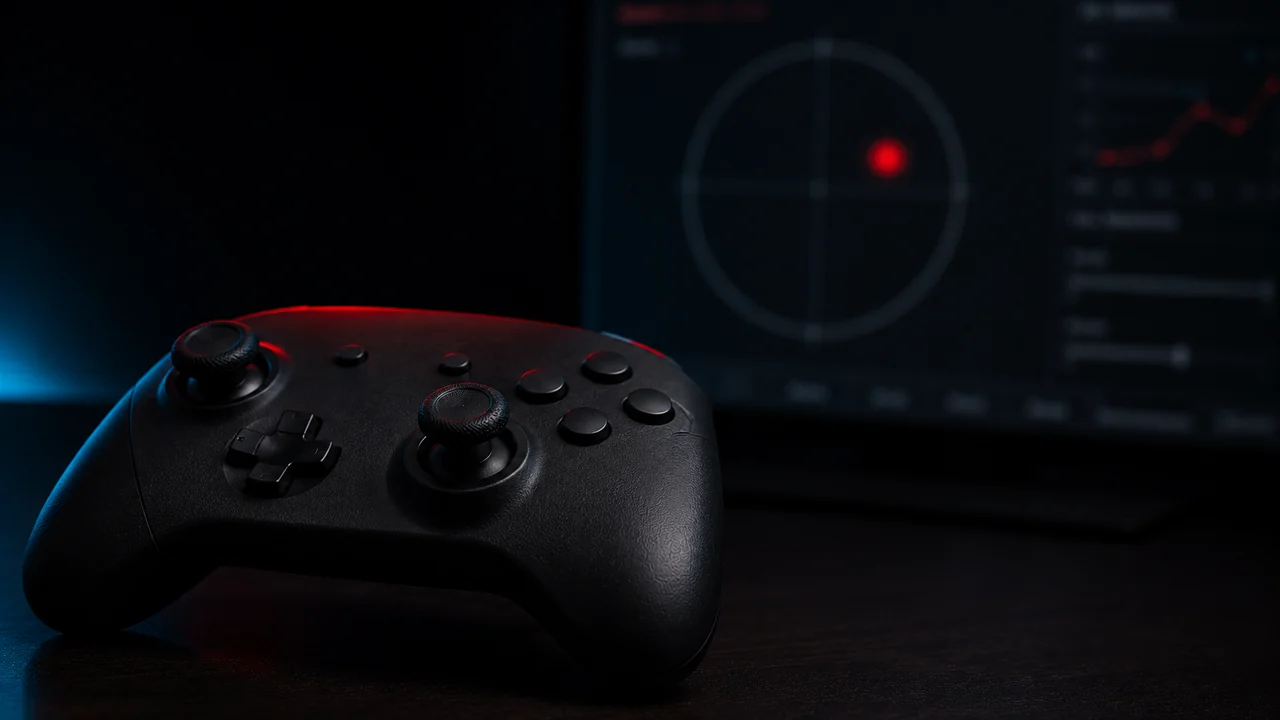
How does the 30-second drift test work?
The test reads both sticks on every screen frame, usually about 60 times a second, while the controller lies flat and untouched for 30 seconds. It ignores the first 2 seconds so a stick you just let go of can settle. For each stick it keeps the resting offset, the direction it leans, and whether the offset stayed steady or grew.
Then comes the optional flick step. You push each stick to the edge and let it spring back. 350 milliseconds after each release, the test reads where the stick came to rest. A healthy stick returns to the centre every time; a worn one stops a little off, and often in the same direction.
Each stick is judged on its worse number. If either reading passes the limit for your controller, the result says so and shows you both numbers. You also get a result card to save, and the test remembers your last result in this browser so you can compare after a fix.
| What the test measures | How it is read | Why it matters |
|---|---|---|
| Resting offset | 95th percentile of the larger axis over 28 seconds | Ignores a one-frame blip, catches a steady lean |
| Lean direction | Average of all resting readings | Real drift points one way; a touch wanders |
| Steady or growing | First 5 seconds against the last 5 | A growing offset points to wear |
| Settle after a flick | Value 350 ms after each release | Catches sticks that only drift after moving |
If a stick jumps far from the centre during the hold, the test stops and asks you to run it again, because that looks like a touch, not drift. If the reading wanders in different directions, the result says “unclear” rather than calling it drift.
What reading counts as drift?
It depends on the controller. JoyCheck flags light drift and drift at different points for each controller family, because in our testing a new Xbox pad rests noisier than a new Joy-Con. These are JoyCheck’s working limits from our own testing, not a manufacturer specification.
| Controller | Light drift from | Drift from |
|---|---|---|
| Joy-Con (L or R) | 0.05 | 0.15 |
| Switch Pro Controller | 0.06 | 0.18 |
| DualSense (PS5) and DualShock 4 (PS4) | 0.08 | 0.22 |
| Xbox controller | 0.10 | 0.25 |
| Other controllers | 0.10 | 0.25 |
The test reads which controller you have from the name the browser reports and shows the limits it used. The same limits drive the live warnings in the main controller tester, so both tools agree.
The number to watch over time is the trend, not one reading. An offset that holds steady between tests is often a calibration error. One that climbs from week to week is wear, and wear only ends with new hardware.
How do I know if I have stick drift?
You probably have stick drift when the game moves without you: the camera pans on its own, a menu cursor slides, or your character walks while the sticks sit still. Those signs tell you to test, not that you have drift, because a game deadzone set too low can feel the same.
Run the test above to settle it. If both sticks pass but a game still moves, look at that game’s deadzone setting first. If only one stick fails, that is common: drift usually starts on one stick, so a clean right stick does not clear the left.
Why test after a flick, not just at rest?
Some sticks read clean while they sit still and only drift after they move. The stick is pulled back to the centre by a spring. When the parts inside wear, it can stop a little short of the centre after a push and stay there.
That is what you notice mid-game, right after you aim or run. A rest-only test misses it. Three or four flicks per stick are enough for the test to judge; fewer than 2 and it leaves the flick reading out of the verdict.
Can stick drift be fixed?
Light drift can often be masked or cleared for a while. Recalibrating moves the centre point, a slightly larger in-game deadzone hides a small offset, and cleaning around the stick base can help a dirty stick. Heavy drift is physical wear, and those fixes do not last.
Standard sticks in most controllers read their position through a part that slides on a track, and the track wears with use [3]. That is why the offset comes back. The lasting fix is a new stick module, or a pad with Hall-effect or TMR sticks that read a magnet and have no track to wear. The full repair ladder, cheapest first, is in how to fix controller stick drift.
After any fix, run the test again. If the number dropped and stays down across two tests, the fix held. If it creeps back up, plan for new hardware.
Is a browser drift test accurate?
Yes, for what it measures. The browser reads the same stick values your computer receives from the controller [2], before any game deadzone filters them. What it cannot do is open the pad, tell a dirty stick from a worn one, or measure the exact deadzone a particular game uses.
Two limits are worth knowing. A pad that shifts on the table or a cable that tugs it can add movement, so test on a still, flat surface and run it twice if a result looks borderline. And the limits above are our working lines, so a stick just under a limit is not guaranteed healthy; watch it over time.
For the console side, the PS5 stick drift guide and the Xbox stick drift guide cover the fixes for each pad. The deadzone tester shows how large a deadzone you would need to hide a light offset.
Drift measurement references
- W3C Gamepad API specification: stick axes normalised from -1.0 to +1.0 with 0.0 at the centre, read by polling.
- MDN Web Docs: Gamepad API: the axes and buttons arrays a browser exposes for a connected controller.
- Analog stick drift, Wikipedia: background on the wear behind analog stick drift.
Frequently asked questions about stick drift
How do you test for stick drift?
Connect the controller, press any button so the browser sees it, set it flat and press Start on the JoyCheck stick drift test. Leave it alone for 30 seconds, then flick each stick and let go a few times. You get a verdict for each stick with the numbers behind it.
Is there a website to check stick drift?
Yes. JoyCheck runs a free stick drift test in the browser. It reads the live stick values through the W3C Gamepad API, with nothing to install and nothing uploaded, and judges each stick against the limits for your type of controller.
How do I know if I have stick drift?
The game moves while your hands are off the sticks: the camera pans, a cursor slides or your character creeps. To confirm it, run a 30-second hands-off test. A resting value past the light drift limit for your controller, for example 0.08 on a DualSense or 0.10 on an Xbox pad, is drift.
Can stick drift actually be fixed?
Sometimes, for a while. Recalibration, cleaning and a slightly larger deadzone can mask light drift. Drift is physical wear, so the offset tends to come back. A lasting fix means a new stick module or a controller with Hall-effect or TMR sticks.
What resting stick value counts as drift?
It depends on the controller. JoyCheck flags light drift from 0.05 on a Joy-Con, 0.06 on a Switch Pro Controller, 0.08 on a DualSense or DualShock 4, and 0.10 on an Xbox or other pad. These are JoyCheck working limits from our own testing, not a manufacturer specification.
Does stick drift get worse over time?
Usually yes. Drift comes from wear inside the stick, so once an offset appears it tends to grow rather than heal. A stick that reads 0.06 today and 0.12 a month later is wearing out, which is the point to plan a stick swap.
Why does my stick drift in games but not in the tester?
Some sticks only drift after they move, so a quick look at a resting stick misses it. Run the 30-second test with the flick step. If both sticks still pass, the cause is more likely the game's deadzone setting than the controller.
Check your controller for drift in the browser
No install, no account. Your inputs never leave your device.